

If you encounter one of the following error messages displayed when trying activate JPEGmini Pro 3 with your activation code:
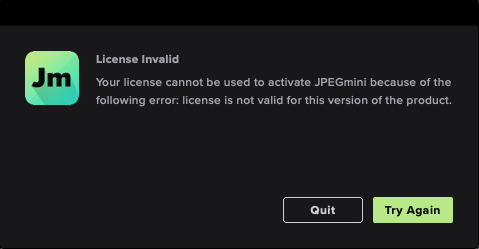
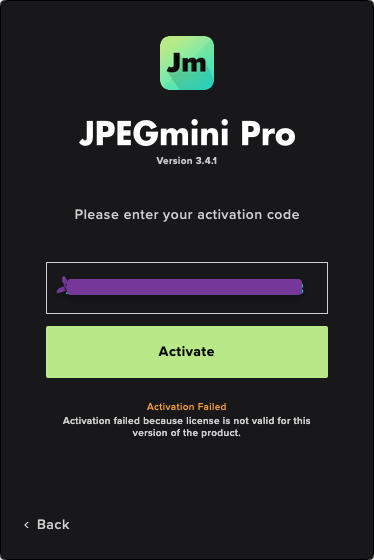
These error messages suggest that your license's 1 year of free upgrades has ended.
Please follow these steps:
Uninstall the currently installed JPEGmini Pro 3 version which you are trying to activate.
Download and install the latest version your license is valid for from: HERE
Activate it with your activation code.
Note: After you activate JPEGmini Pro 3 version 3.3, the app will present you with the options to either purchase an additional 1 year of upgrades (and get the latest version) or remain with the latest one, your license is valid for.
